STEP 01
Paste a handle
Enter an X or Bluesky profile URL or handle.
Create an archive from Wayback Machine captures, then filter, review, and export the posts.
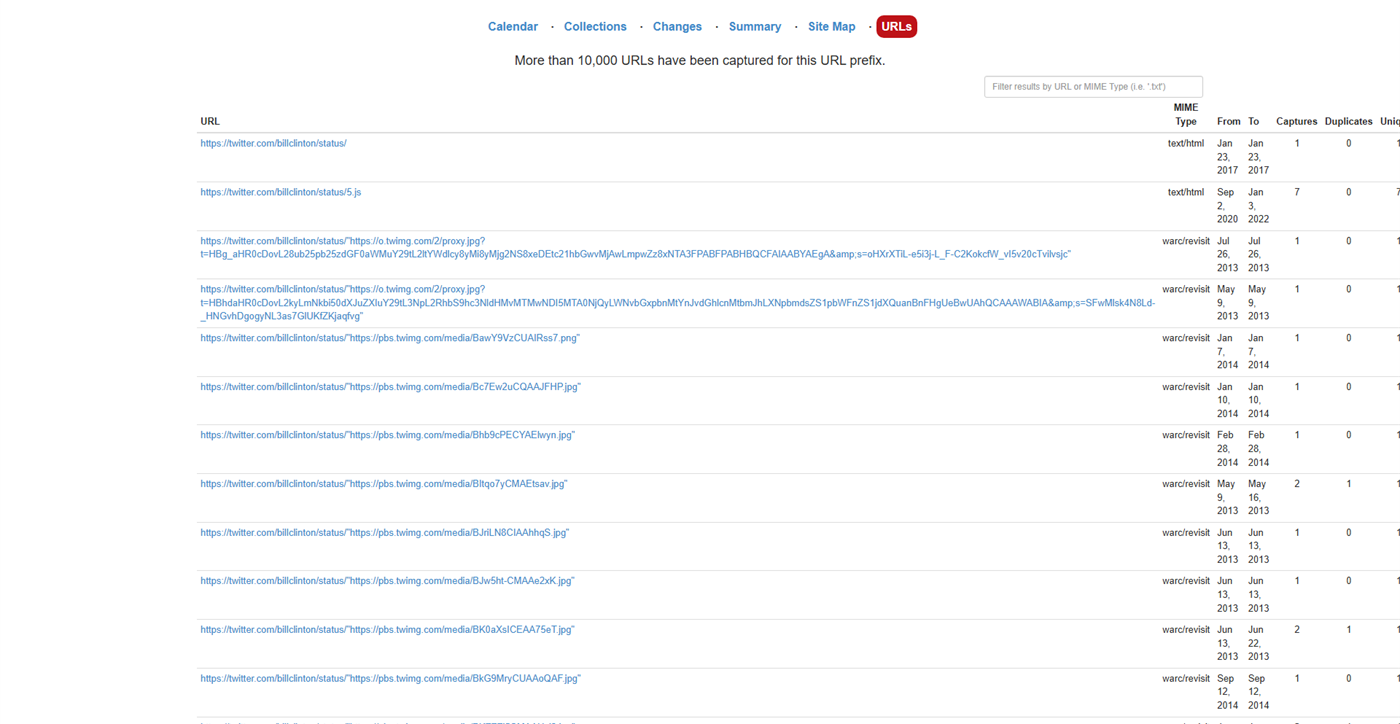
Wayback captures are spread across snapshots. Wayback Viewer converts them into posts you can search.
Paste a handle, let the crawler run, then review the archive when it finishes.
Enter an X or Bluesky profile URL or handle.
Wayback Viewer reads available captures, removes duplicates, and stores the posts.
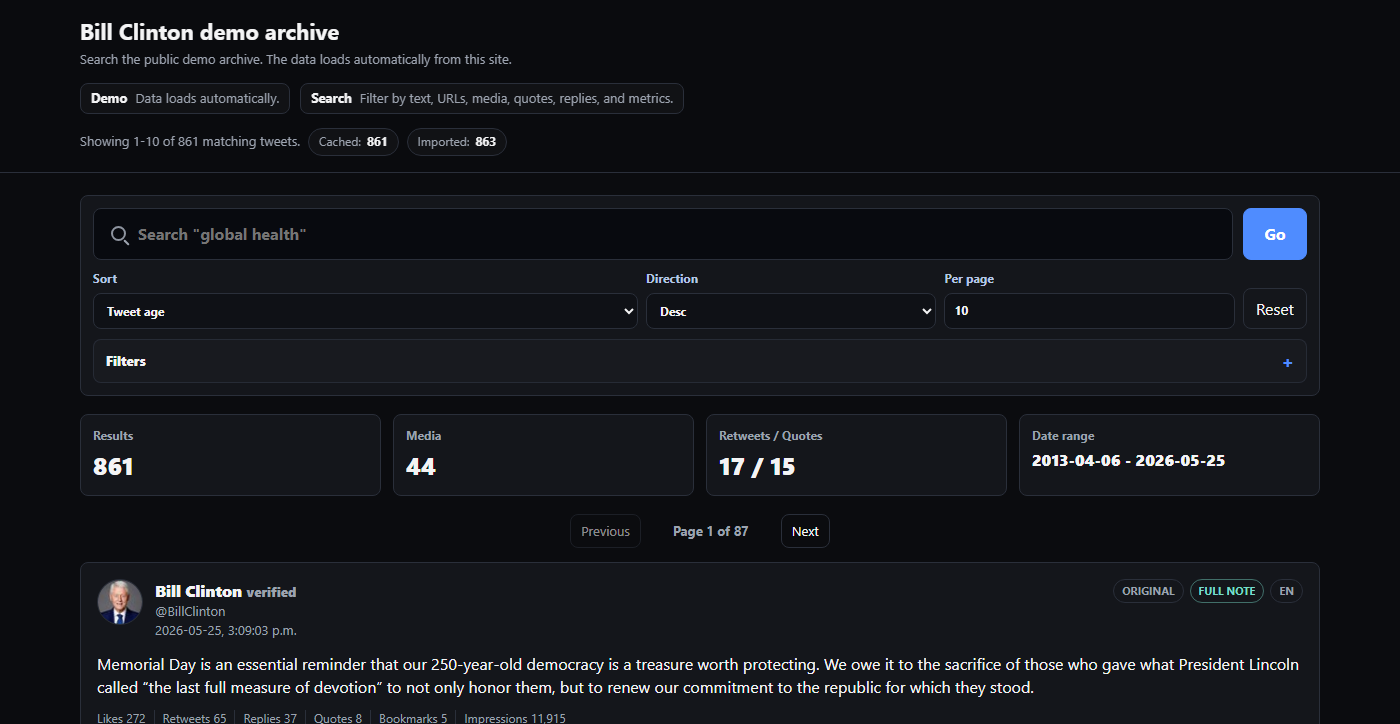
Use full-text search, filters, and engagement metrics across the completed archive.
Use text search, filters, sorting, and exports on completed archives.
Search keywords, exact phrases, exclusions, or regular expressions for focused matches.
Narrow by post type, link presence, media, and any date range across the capture window.
Filter by likes, reposts, replies, quotes, bookmarks, and impressions.
Save images and video thumbnails with original dimensions when captures include them.
Keep quoted posts, replies, and references linked together for context.
View completed archives in your account or download a portable ZIP.
Start with one compact search field, then sort and refine the results after they load.
Posting an update about global health.
Use one handle for X or Bluesky accounts.
Start with a handle. When the crawl finishes, review the posts online or download the ZIP.